If you are recieving a message in Raptor that states your license is expired or will expire, it is time to renew your license maintenance.
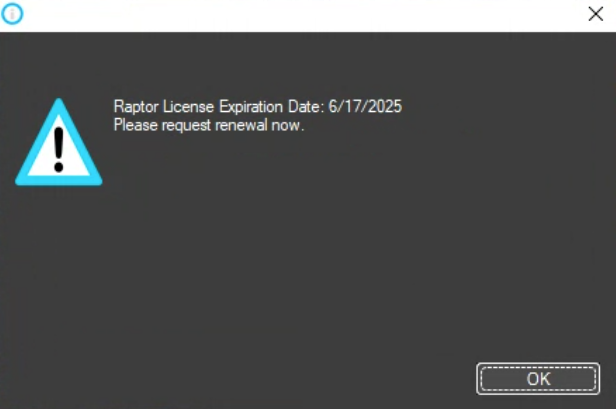
Raptor support will typically email out a quote 2-4 weeks ahead of the expiration date, but if you do not recieve this quote please contact support directly so you can continue recieving updates, software support, and new installations when needed.
NOTE: Raptor will continue to run on an expired license to ensure there is no downtime with your production between maintenance renewals. If you cannot access Raptor at your machine control, please submit a ticket and we will assist you as soon as possible.
Was this article helpful?
That’s Great!
Thank you for your feedback
Sorry! We couldn't be helpful
Thank you for your feedback
Feedback sent
We appreciate your effort and will try to fix the article